

CATALOG
Search for your favoritesDestiny Discover is your gateway to all your educational resources including Books, eBooks, Databases and Websites.
AUDIO & EBOOKS
Explore our digital collectionA fresh and easy way to borrow and read from your library.
RESEARCH DATABASES
Visit our many electronic resourcesSearch all topics from health or business, to professional educational resources.
STUDENT CENTER
Extra resources for allMap’s, News, Biographies, History, Science and much more!
EVENTS/PROGRAMS |
WHAT’S NEW? |
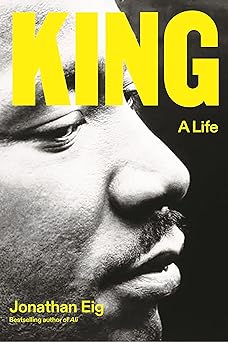
King: A Life, by Jonathan Eig “Definitive . . . Monumental . . . An extraordinary achievement and an essential life of the iconic warrior for social justice.” — Kirkus Reviews (starred review)

I Love Your Face!, by Karma Wilson “[A] sweet, read-aloud picture book that celebrates how utterly irresistible our litte ones are and how much we adore those beautiful faces!” — Amazon
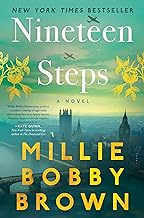
Nineteen Steps, by Millie Bobby Brown “Heartfelt and warm, with quietly heroic characters that embody the innocence of first love and wartime patriotism, Brown’s debut is sure to be popular among readers who enjoy novels that bring lesser-known notable events from the past to life.” – Booklist
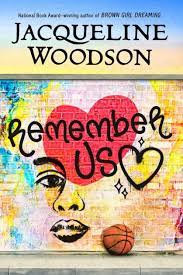
Remember Us, by National Book Award Winner Jacqueline Woodson “Exceptional. . . . Written in lyrical prose, Remember Us is a poetic time capsule from the 12-year-old Sage, an African American girl living in the Bushwick section of Brooklyn during the 1970s.” – NY Times Book Review
HOURS/LOCATION |
REGULAR HOURS
Monday 10:00am – 8:00
Tuesday 10:00 – 8:00
Wednesday 10:00 – 8:00
Thursday 10:00 – 8:00
Friday 10:00 – 5:00
Saturday 10:00 – 4:00
Sunday Closed
Linwood Public Library
301 Davis Ave.
Linwood, NJ 08221
(609) 926-7991
Like Us On Facebook